Space to collaborate
The crystal-clear review and approval workbench, boosted by the latest AI/ML technologies
Media management is a breeze
Until it's not
Clunky interfaces, confusing processes, limited sharing, and rigid content structures shouldn’t be your team’s daily battles
MediaBench makes things crystal clear
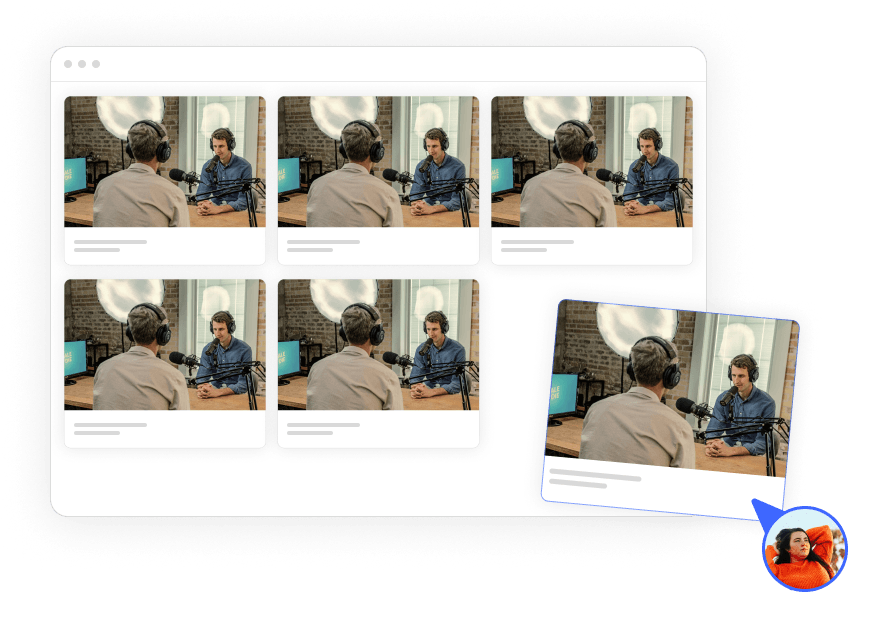
One central workspace
Upload assets, create custom folders, and organize your workflow to suit your team.
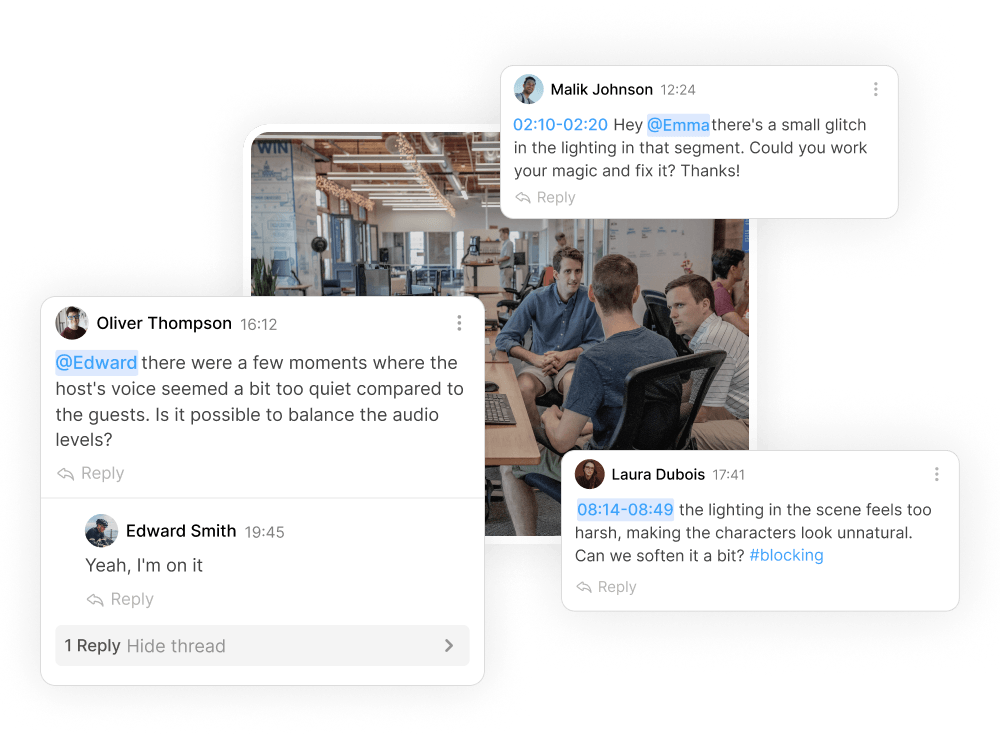
Frame-accurate feedback
Clarify collaboration with @mentions, on-frame annotations, tags, and precise asset status tracking, for project harmony.
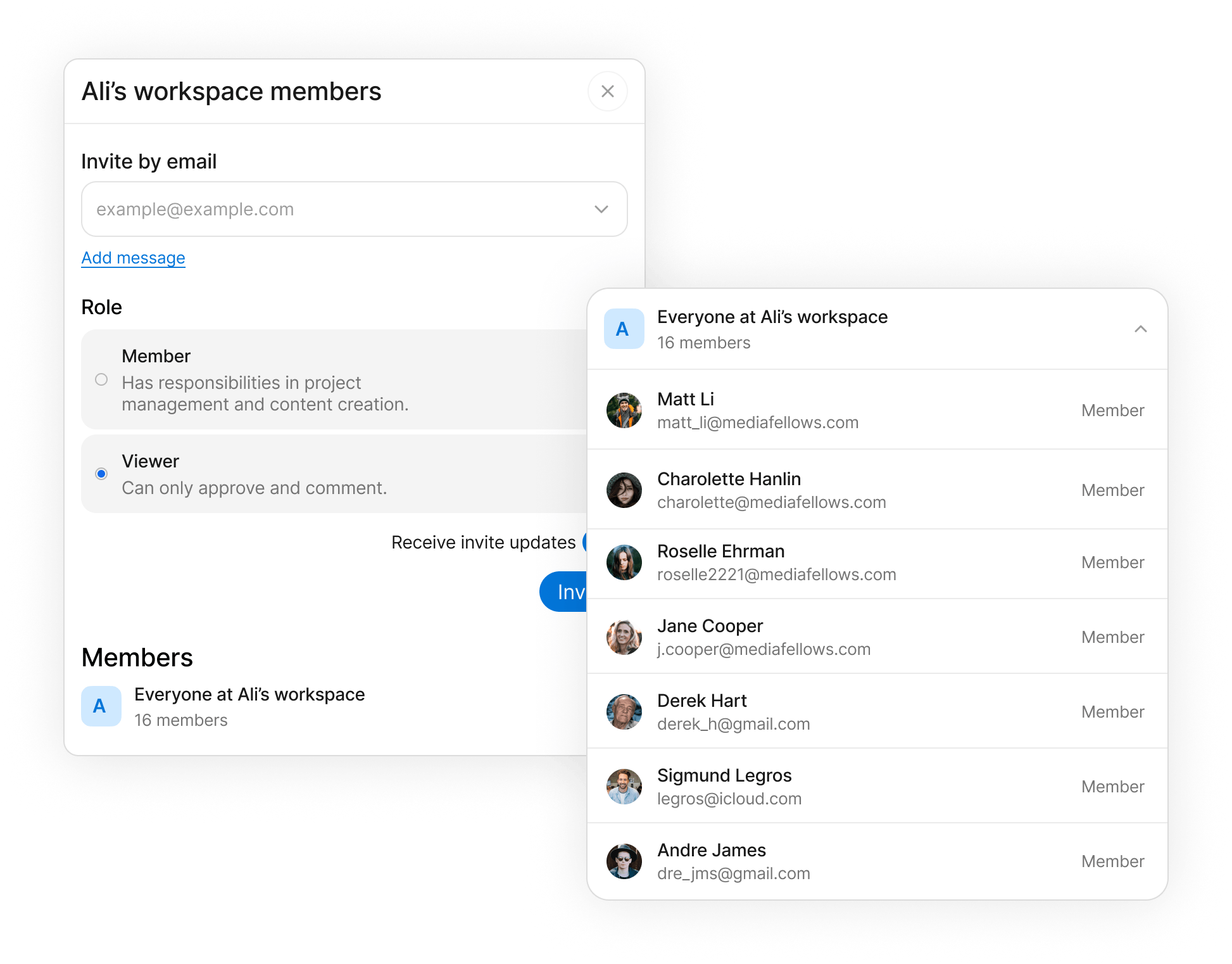
Limitless collaboration
Invite people at workspace, folder, or asset level, with manager, contributor and viewer roles. Or send a share link that plays as a presentation.


Integration with MediaStore
Being a part of the MediaStore family comes with its perks
With just a few clicks, your media assets are ready for review, approval, and collaboration in MediaBench.
Visit mediafellowsUse cases
Unified project management
One tool, all projects
Track changes and comments, review and give feedback, and easily locate assets – all in one place.
Granular access controls
Give access to the right people, at the right level, when they need it. Define roles, invite collaborators, manage permissions.
Flexible storage templates
Ensure efficiency by customizing your file storage structure to suit your team's specific workflow.
Content protection
Set watermarks and DRM once at the workspace, then tighten them on a folder or an asset.
Editing and collaboration
Comment with precision
Anchor comments to a frame, a range, or a page for content-specific feedback on video, images, and PDFs.
Draw on-frame
Offer detailed explanations and helpful suggestions directly onto your content visuals.
Separate topics
Keep internal and client conversations on the same asset, without mixing threads.
Compare versions
Stack revisions on one asset and compare cuts side by side.
@mentions
Alert a key team member for focused action and faster response.
Attach audio
Attach multiple audios to a video so teams can review picture and sound together.
Download comments
Create a detailed feedback and change log for future reference.
Subtitles
Instant subtitle generation
Increase accessibility with accurate subtitles autogenerated by AI/ML.
Multi-language translation
Broaden your global reach by translating subtitles into any language.
In-line editing
Refine auto-generated subtitles directly for precise synchronization and cultural nuance.
Subtitle upload
Bring in a vendor file and QC it against picture and sound in the same bench.
Sharing
Flexible external sharing
Share the work as a presentation, not a folder tree.
Branded presentation
Dress the share with your logo, title, and colours without changing the asset inside.
Password protection
Add a passphrase so only the people you intend can open the link.
Content protection
Apply watermarks and DRM on the share itself, separate from the asset.
Viewing analytics
See who watched, for how long, and which parts they replayed.